
Download KMPlayer – High-Resolution Media Player for 2025
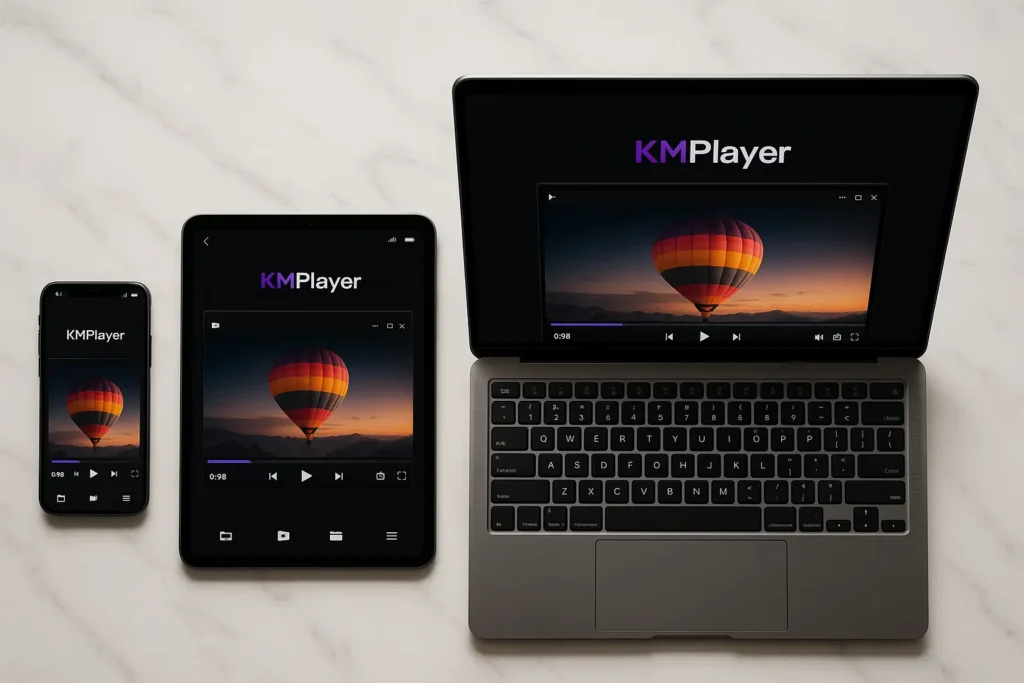
KMPlayer delivers exceptional multimedia playback optimized for modern high-resolution content. This versatile player supports 4K, 8K, UHD, and Full HD at 60fps, making it perfect for users who demand crystal-clear video quality on any device.
Originally developed in 2002 and refined through continuous updates, KMPlayer combines powerful features with mobile-first design. The software handles virtually every video codec while providing unique tools like GIF creation, Wi-Fi file sharing, and 3D video conversion that set it apart from competitors.
- Version: 2025.10.16.11
- File Size: 58 MB
- Platforms: Windows, Android, iOS
- License: Freemium (Ad-supported free version)
- Developer: KMP Media (formerly Pandora TV)
- Last Updated: October 16, 2025
Why Download KMPlayer?
Unlike basic media players, KMPlayer focuses on delivering premium playback experiences. Specifically, hardware acceleration leverages your GPU for smooth 4K streaming without stuttering. Built-in codecs eliminate the need for external codec packs, while the customizable interface adapts to your preferences.
Mobile users particularly appreciate KMPlayer’s touch-optimized controls and gesture-based navigation. The Android and iOS versions rival desktop functionality, bringing professional-grade features to smartphones and tablets.
Exceptional Video Quality
High-Resolution Support
Undoubtedly, KMPlayer excels with ultra-high-definition content:
- 8K Video: Full native support for 7680×4320 resolution
- 4K UHD: Smooth playback at 3840×2160 with HDR compatibility
- 60fps Full HD: Fluid motion for sports and action content
- Hardware Decoding: GPU acceleration for efficient processing
It should be emphasized that the player’s advanced rendering engine optimizes each frame for your display. Color accuracy improvements enhance viewing experiences, especially with HDR10 and HDR10+ content on compatible monitors.
Codec Compatibility
Video Codecs: H.264, HEVC/H.265, VP9, AV1, MPEG-4, DivX, XviD, WMV
Audio Codecs: AAC, MP3, FLAC, DTS, Dolby Digital, Opus, Vorbis
Container Formats: MP4, MKV, AVI, MOV, FLV, WebM, TS
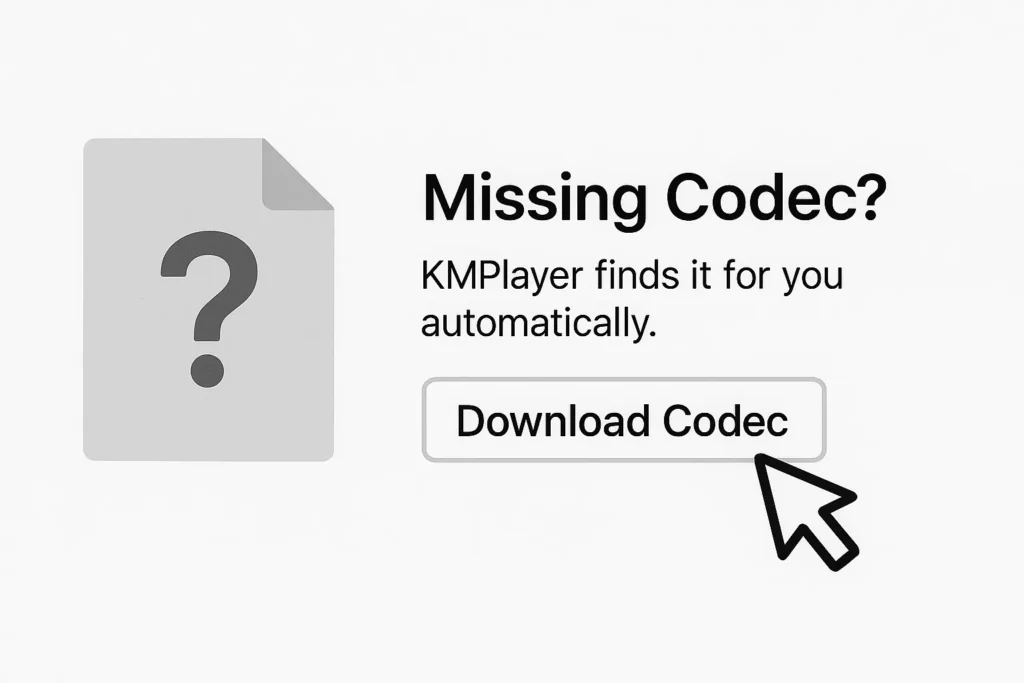
Missing a codec? KMPlayer’s automatic codec download retrieves what you need instantly. This intelligent system ensures you’re never blocked by format incompatibility.
Unique Mobile Features
GIF Creation Tool
Transform video clips into shareable GIFs directly within the app. Select start and end points, adjust frame rate and quality, then export for social media. This convenient feature eliminates separate conversion software.
Wi-Fi File Transfer
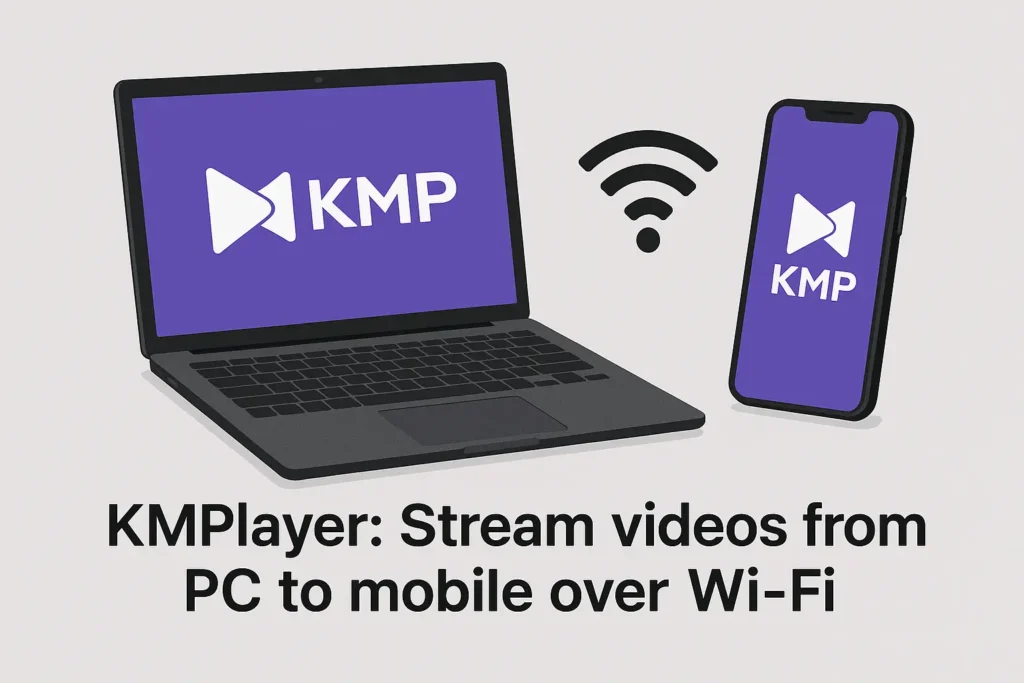
Stream content from your computer to mobile devices over local networks. No cables, no uploads to cloud services. Access your entire media library wirelessly with minimal setup.
Bookmark System
Mark favorite moments in long videos and return instantly. Perfect for lectures, tutorials, or movies you watch in segments. Bookmarks sync across devices when using the same KMPlayer account.
Sleep Timer
Set automatic shutoff after specified durations. Ideal for falling asleep to music or videos without draining battery overnight. The timer gradually fades volume before stopping playback.
System Requirements
| Component | Minimum | Recommended |
|---|---|---|
| OS | Windows 7/8/10/11 | Windows 10/11 |
| Processor | Dual-core 2.0 GHz | Quad-core 2.5 GHz+ |
| RAM | 2 GB | 4 GB+ |
| Graphics | DirectX 9 GPU | DirectX 11 GPU with 2GB VRAM |
| Disk Space | 100 MB | 200 MB |
| Display | 1280×720 | 1920×1080+ |
For 4K playback, systems require 8GB RAM and capable graphics processors. Intel HD Graphics 620 or NVIDIA GTX 1050 provide adequate performance.
Installation Guide
- So, download the installer from a verified source and run the setup file
- Select installation directory or accept the default location
- Choose additional components like mobile sync utilities and codec packs
- Configure file associations to open media formats automatically with KMPlayer
- Launch and customize interface skin and control preferences
Installation completes in under three minutes. First-time setup wizards guide configuration for optimal performance on your system.
Advanced Customization
Skin Library
With hundreds of interface skins available, you can instantly transform KMPlayer’s appearance. For instance, choose minimalist designs for distraction-free viewing or opt for feature-rich layouts with exposed controls. Furthermore, for ultimate personalization, the built-in skin editor enables you to create custom designs that match your personal aesthetics perfectly.
Playback Controls
Fine-tune every aspect of playback behavior:
- Speed Control: 0.25x to 4x playback speed with pitch correction
- Frame Stepping: Advance or rewind frame-by-frame for precise navigation
- A-B Repeat: Loop specific sections for language learning or music practice
- Audio Sync: Adjust timing independently from video to fix sync issues
Video Enhancement
Built-in filters improve visual quality:
- Brightness, contrast, saturation adjustments
- Sharpening and noise reduction
- Deinterlacing for broadcast footage
- Aspect ratio correction and cropping
Apply filters in real-time without re-encoding files. Save preferred settings as presets for consistent results across different content.
3D Video Conversion
Convert standard 2D videos into stereoscopic 3D formats. Algorithms analyze depth information to generate left and right eye perspectives. While results vary by source material, the feature provides accessible 3D experiences without specialized cameras or equipment.
Supported 3D modes include side-by-side, top-bottom, and anaglyph (red-cyan glasses). Configure output for your specific 3D display technology, whether active shutter glasses or passive polarized systems.
Media Player Feature Comparison
| Feature | KMPlayer | VLC | PotPlayer | MPC-HC |
|---|---|---|---|---|
| Mobile Apps | Yes (Android, iOS) | Yes | No | No |
| 4K/8K Support | Excellent | Good | Excellent | Good |
| GIF Creation | Built-in | No | No | No |
| 3D Conversion | Yes | No | Yes | No |
| Customization | Very High | Moderate | Very High | High |
| Learning Curve | Moderate | Easy | Steep | Easy |
| Resource Usage | Medium | Low | Low | Very Low |
Thus, KMPlayer shines in mobile scenarios and creative features. VLC Media Player offers superior cross-platform consistency, while PotPlayer provides deeper customization for Windows power users. Media Player Classic remains unbeatable for minimal resource consumption.
Subtitle Support
Comprehensive subtitle capabilities handle multiple formats:
- SRT, ASS, SSA, SUB, SMI, VTT
- Automatic subtitle search and download
- Real-time synchronization adjustments
- Multiple subtitle track support
- Custom font, size, and color styling
The subtitle manager organizes collections and applies preferred settings automatically. Download subtitles from OpenSubtitles.org directly through KMPlayer’s interface.
Audio Enhancement
Equalizer
10-band equalizer with genre presets shapes sound to your preferences. Create custom profiles for different headphones or speakers. Bass boost, treble enhancement, and mid-range adjustments optimize audio for any listening environment.
Normalization
Automatic volume leveling prevents jarring differences between files. Particularly useful for playlists mixing content from various sources with inconsistent mastering levels.
Audio Delay
Synchronize audio tracks offset from video. Adjust timing in milliseconds to fix lip-sync issues common with certain file formats or streaming sources.
Network Streaming
Moreover, accessing network-attached storage devices and media servers is effortless. Specifically, with support for SMB, FTP, and DLNA protocols, you can stream content from anywhere on your local network. Therefore, you can play content directly from its storage location, making file transfers completely unnecessary.
Remote URLs work similarly. Paste streaming links to watch online content through KMPlayer’s interface rather than browser players. This method often provides better control and quality options.
Privacy and Performance
KMPlayer balances features with efficiency. Moderate resource consumption allows smooth operation even on mid-range hardware. The software contains no spyware, though occasional ads appear in free versions. Premium licensing removes advertisements for distraction-free experiences.
Update notifications keep you informed of new releases. Automatic update checks occur in background without interrupting usage. Manual control over updates prevents unwanted changes during critical projects.
Troubleshooting Tips
Playback Stuttering
For example, if you experience playback stuttering > enable hardware acceleration. Update graphics drivers to latest versions. Reduce playback resolution if system struggles with 4K content.
Codec Issues
Use built-in codec finder if files won’t play. Uninstall conflicting external codec packs that interfere with KMPlayer’s internal codecs. Reinstalling KMPlayer resets codec configuration.
Audio Desync
Open Audio > Sync and adjust offset values. Positive numbers delay audio; negative values advance it. Changes apply instantly for immediate feedback.
Frequently Asked Questions
Yes, KMPlayer is free software. The free version includes occasional advertisements. A premium version eliminates ads for users preferring ad-free experiences.
Currently, KMPlayer only supports Windows, Android, and iOS platforms. Mac and Linux users should consider VLC Media Player as a cross-platform alternative.
While KMPlayer includes basic editing tools, it’s primarily a playback application. Professional editing requires dedicated software, though KMPlayer’s features suffice for simple trimming and conversion tasks.
Like most media players, KMPlayer cannot play DRM-encrypted files from services like Netflix or Amazon Prime. It works with personal media collections and non-protected content only.
KMPlayer collects minimal analytics to improve software. Users can disable telemetry in settings. The software contains no malware or invasive tracking compared to some commercial alternatives.
KMPlayer Plus is the premium ad-free version. Functionality remains identical except for the removal of advertisements in the free edition.
Final Thoughts
KMPlayer carves a unique niche combining mobile-first design with desktop power. The emphasis on high-resolution playback meets modern content demands, while creative tools like GIF generation add practical value beyond basic watching.
Ultimately, for users who split time between desktop computers and mobile devices, KMPlayer’s consistent experience across platforms proves invaluable. Furthermore, the software’s evolution over two decades clearly demonstrates a commitment to staying current with technological advances.
Whether you’re binge-watching series on your tablet, enjoying 4K movies on your desktop, or creating social media content from video clips, KMPlayer adapts to diverse workflows seamlessly.