
Download Media Player Classic Free – The Lightweight Champion
Media Player Classic (MPC-HC) stands as proof that simplicity and power coexist beautifully. This ultra-lightweight, open-source player delivers rock-solid performance while consuming minimal system resources. Despite its classic Windows Media Player 6.4 appearance, MPC-HC packs modern features rivaling players ten times its size.
Originally created by Gabest and now maintained by an active community through the clsid2 fork, MPC-HC earned legendary status among users who value efficiency. Consequently, the 17MB installation footprint contains everything needed for flawless multimedia playback on systems ranging from decade-old laptops to, additionally, cutting-edge workstations.
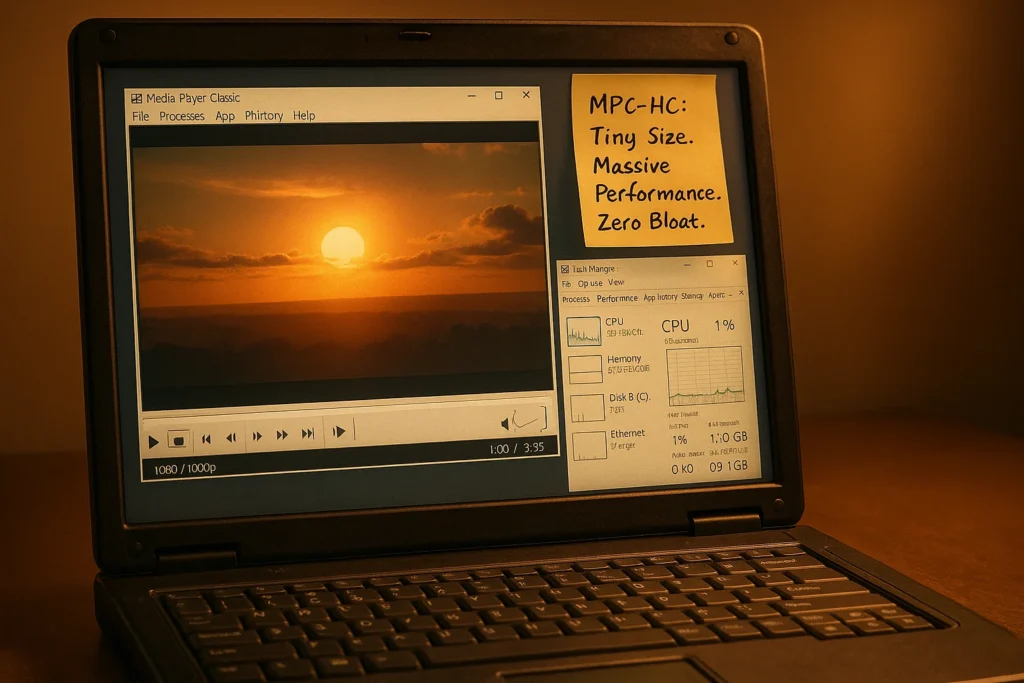
Download Information:
- Version: 2.5.4
- File Size: 17 MB
- Platform: Windows Vista/7/8/10/11
- License: Free & Open Source (GPL)
- Developer: Community (clsid2 fork)
- Last Updated: October 13, 2025
Why Download Media Player Classic?
Resource efficiency defines MPC-HC’s appeal. For instance, the player sips RAM-typically 30-50MB during playback-while competitors gorge hundreds of megabytes. Consequently, this lightness matters on older computers, systems running multiple applications, or, in other words, anywhere performance optimization is critical.
Furthermore, built-in LAV Filters eliminate external codec pack dependencies. Therefore, H.264, HEVC, VP9, AV1, and other modern formats play immediately after installation. In other words, there are no configuration headaches, no codec hunting, and consequently, no system bloat.
Minimal Resource Consumption
Performance Statistics
MPC-HC’s efficiency stands unmatched:
- RAM Usage: 30-50MB typical playback
- CPU Load: 2-5% for 1080p content (with hardware acceleration)
- Installation Size: 17MB including all codecs
- Launch Time: Under 1 second on modern systems
- Disk I/O: Minimal background activity
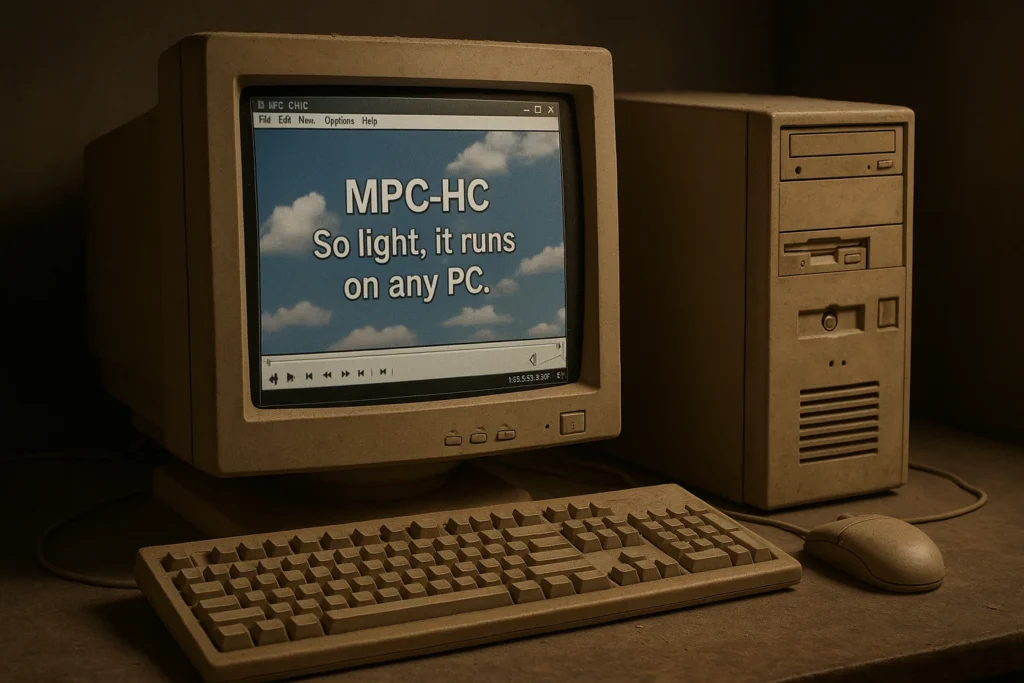
These metrics translate to smoother multitasking, longer laptop battery life, and usable performance on aging hardware.
Hardware Acceleration Support
Despite its small size, MPC-HC leverages modern GPUs:
- DXVA2: DirectX Video Acceleration for Windows 7+
- D3D11: Direct3D 11 video processing
- Intel QuickSync: Hardware H.264/HEVC decoding
- CUDA/NVDEC: NVIDIA GPU acceleration
- AMD VCE: AMD hardware video encoding
These technologies offload decoding from CPU to graphics processor, enabling 4K playback on modest systems while maintaining responsive interfaces.
Comprehensive Format Support
Built-in LAV Filters
The included LAV Filter suite handles modern codecs natively:
Video: H.264 (AVC), H.265 (HEVC), VP8, VP9, AV1, MPEG-1/2/4, DivX, XviD
Audio: AAC, MP3, FLAC, DTS, Dolby Digital (AC-3), Opus, Vorbis, WMA
Containers: MP4, MKV, AVI, MOV, TS, WebM, OGM, FLV
LAV Filters receive regular updates incorporating latest codec developments. This keeps MPC-HC compatible with emerging standards without requiring player updates.
DVD and Blu-ray Playback
Native DVD playback includes full menu navigation, chapter jumping, and multi-angle support. Blu-ray playback works with proper libraries installed, though encrypted commercial discs require additional decryption tools.
System Requirements
| Component | Minimum | Recommended |
|---|---|---|
| OS | Windows Vista SP2 | Windows 10/11 |
| Processor | Pentium 4 1.5 GHz | Dual-core 2.0 GHz+ |
| RAM | 256 MB | 1 GB+ |
| Graphics | DirectX 9 GPU | DirectX 11 GPU |
| Disk Space | 30 MB | 50 MB |
MPC-HC runs on hardware other players abandoned years ago. Consequently, this makes it perfect for reviving old computers as dedicated media center PCs.
Installation Guide
- Download installer (32-bit or 64-bit matching your Windows version)
- Run setup executable with administrator privileges
- Select installation directory or use default Program Files location
- Choose component installation (recommended: select all for full functionality)
- Configure file associations to open media files with MPC-HC by default
- Complete installation and launch player
Installation takes under 60 seconds. No bloatware, no unwanted toolbars, no confusing options-just straightforward setup.
Advanced Subtitle Features
Subtitle Format Support
MPC-HC handles every common subtitle format:
- SRT, SSA, ASS, SUB, SMI, VTT
- PGS (Blu-ray subtitles)
- VobSub (DVD subtitles)
- Closed captions (CC)
Subtitle Synchronization
Keyboard shortcuts adjust subtitle timing instantly during playback. Advance or delay by 10ms, 50ms, or 500ms increments. Changes apply immediately without interrupting video.
OpenSubtitles Integration
Automatic subtitle downloading connects directly to OpenSubtitles.org. Right-click during playback, select “Download Subtitles,” and MPC-HC fetches available options for the current file. One-click loading completes the process.
Pro Tip: Free users share daily download quotas. Create a free OpenSubtitles account to secure your personal quota for reliable, uninterrupted access.
Customization Options
Keyboard Shortcuts
Every function maps to customizable hotkeys. Default shortcuts cover common actions, but power users appreciate complete remapping flexibility. Create profiles for different usage scenarios.
Interface Skins
While maintaining its classic aesthetic by default, MPC-HC supports custom skins. Community-created themes range from minimal to feature-rich designs. The skin editor enables personal creations matching individual preferences.
Playback Control
Fine-grained playback adjustments include:
- Variable speed (0.25x to 8x) with pitch correction
- Frame-by-frame stepping (forward and backward)
- A-B repeat for section looping
- Zoom and pan controls
- Aspect ratio override
Video Enhancement Tools
Real-time Filters
Apply effects during playback without re-encoding:
- Brightness, contrast, saturation adjustments
- Sharpening and blur filters
- Deinterlacing for broadcast content
- Color correction and gamma control
- Rotation and flipping
Settings save per-file or globally depending on preference. Profiles store filter combinations for quick application.
Renderer Options
Advanced users choose between video renderers:
- Enhanced Video Renderer (EVR): Windows default, good compatibility
- madVR: High-quality upscaling and processing (requires separate installation)
- Haali Renderer: Alternative with different processing pipeline
Each renderer offers unique advantages. Experimentation determines optimal choice for specific hardware and content types.
YouTube and Online Streaming
Recent MPC-HC versions integrate yt-dlp support, enabling direct YouTube playback. Place yt-dlp.exe in the MPC-HC installation folder, then open YouTube URLs through File > Open File/URL.
Download YouTube videos directly via File > Save a copy. Select quality and format preferences through Advanced options. FFmpeg integration enables downloading highest quality versions with audio and video combined.
This functionality extends to hundreds of websites beyond YouTube, making MPC-HC a versatile online video tool.
Audio Playback Features
Built-in Equalizer
10-band equalizer shapes audio output:
- Genre presets (Rock, Jazz, Classical, etc.)
- Custom frequency curve creation
- Bass boost and treble enhancement
- Real-time adjustments during playback
Audio Synchronization
Offset audio tracks independently from video. Essential for files with inherent sync issues or when using external audio equipment with processing delays.
Multiple Audio Tracks
Switch between different audio streams seamlessly. Useful for multilingual content or films with commentary tracks. MPC-HC remembers audio preferences for specific files.
Privacy and Security
Open-source transparency guarantees no hidden surprises. Additionally, the community-maintained codebase undergoes regular security reviews. Consequently, MPC-HC collects zero telemetry and, furthermore, contains no advertisement or tracking mechanisms.
This contrasts with proprietary players that may gather usage statistics or display ads. MPC-HC’s clean design respects user privacy completely.
Troubleshooting Tips
Codec Issues
MPC-HC’s included LAV Filters handle most formats. If problems occur, verify LAV Filters are enabled in Options > Internal Filters. Conflicting external codec packs sometimes interfere-uninstall them for clean MPC-HC operation.
Subtitle Display Problems
Check Options > Subtitles > Renderer. Some complex styled subtitles require specific rendering engines. Switching between Internal, VSFilter, or XySubFilter resolves most issues.
Hardware Acceleration Not Working
Verify GPU drivers are current. Enable hardware acceleration in Options > Playback > Output. Try different acceleration methods (DXVA2, D3D11) to find optimal configuration for your hardware.
FAQ
Rest assured, you can securely download and install MPC-HC without any cost. It’s free, open-source software under the GPL license, guaranteeing no price tag, no trials, and no premium upsells.
You can confidently proceed with the current version. While the original project ended, a dedicated community fork led by clsid2 has taken the reins. They deliver regular updates and bug fixes, ensuring the player stays modern and secure.
Absolutely. You can expect flawless performance on Windows 11, 10, 8, 7, and even Vista. It’s designed to integrate smoothly with the entire Windows ecosystem.
Yes, and you’ll gain significant benefits by making the switch. MPC-HC provides superior format support, consumes fewer resources, and unlocks a wealth of advanced features while maintaining a user-friendly experience.
To unlock the best 4K playback, simply enable hardware acceleration in the settings. On a system with a compatible GPU, MPC-HC delivers smooth, high-performance playback that rivals paid players marketed specifically for 4K.
For a premium HDR experience, we recommend installing the third-party madVR renderer. While basic HDR support is included, madVR elevates your viewing with superior tone mapping and color accuracy.
Yes, you are fully permitted to use it commercially. The GPL license explicitly allows for deployment in businesses, educational institutions, and other professional settings without any licensing fees.
Final Thoughts: The Undisputed Champion of Lean Media Playback
Media Player Classic – Home Cinema masterfully proves that lean architecture doesn’t mean limited capability. Consequently, by choosing MPC-HC, you are not just selecting a media player; you are, therefore, making a strategic decision to prioritize performance over bloat and, moreover, reliability over flashy gimmicks.
Its legendary efficiency, which allows it to cruise effortlessly while other players bring systems to a crawl, has earned a well-deserved cult following. Users who recognize true value understand that its simplicity is its greatest strength.
The active community fork is your guarantee of a future-proof investment. With a dedicated team delivering regular updates, codec improvements, and crucial bug fixes, this player remains as relevant today as ever, despite its classic appearance.
For any Windows user seeking a rock-solid, no-compromise playback solution, MPC-HC delivers precisely what you need-nothing more, nothing less. Consequently, the result is software you can confidently rely on to simply work, every single time, without any drama. Therefore, the ultimate experience awaits for the price of a download.
Explore Other Media Players
Compare MPC-HC with alternatives:
- VLC Media Player – Cross-platform versatility with streaming focus
- KMPlayer – Mobile integration and creative features
- PotPlayer – Maximum customization for power users
Each player excels in different areas. MPC-HC’s lightweight efficiency and classic simplicity make it ideal for users prioritizing performance and stability above all else.